

First, each contractor must create a free Sine account. Please note: the email address and mobile you use to sign up must be the same as the one used on your CBRE Pulse Induction.
To Download the app, search for “Sine Pro” via the App Store or Google Play and download it for free. Finish setting up your account by verifying your email address & mobile phone number and adding a profile picture.


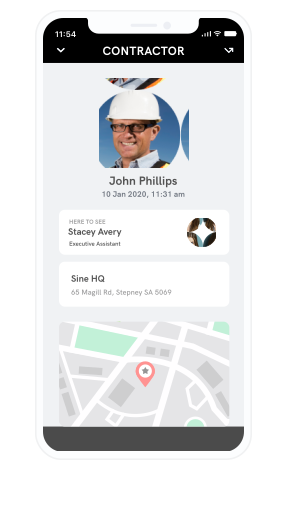
Site inductions are now completed within Sine Workflows.
Each contractor must complete a Site Induction for any ESR sites you visit.
Click on the applicable state on the map below to access the site-specific induction. Note: The site links will be updated over time and made available to contractors.
Read the information, complete all required fields and submit your response. The induction can be completed via the web, tablet or mobile. Please ensure you have stable internet connection.

No sites in ACT
No sites in Tasmania
No sites in NT
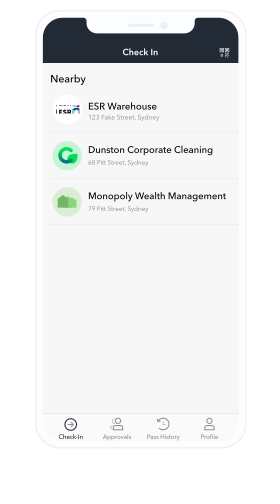
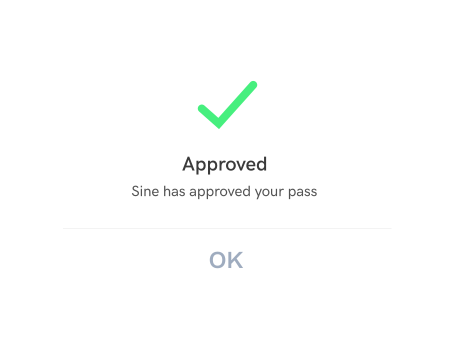
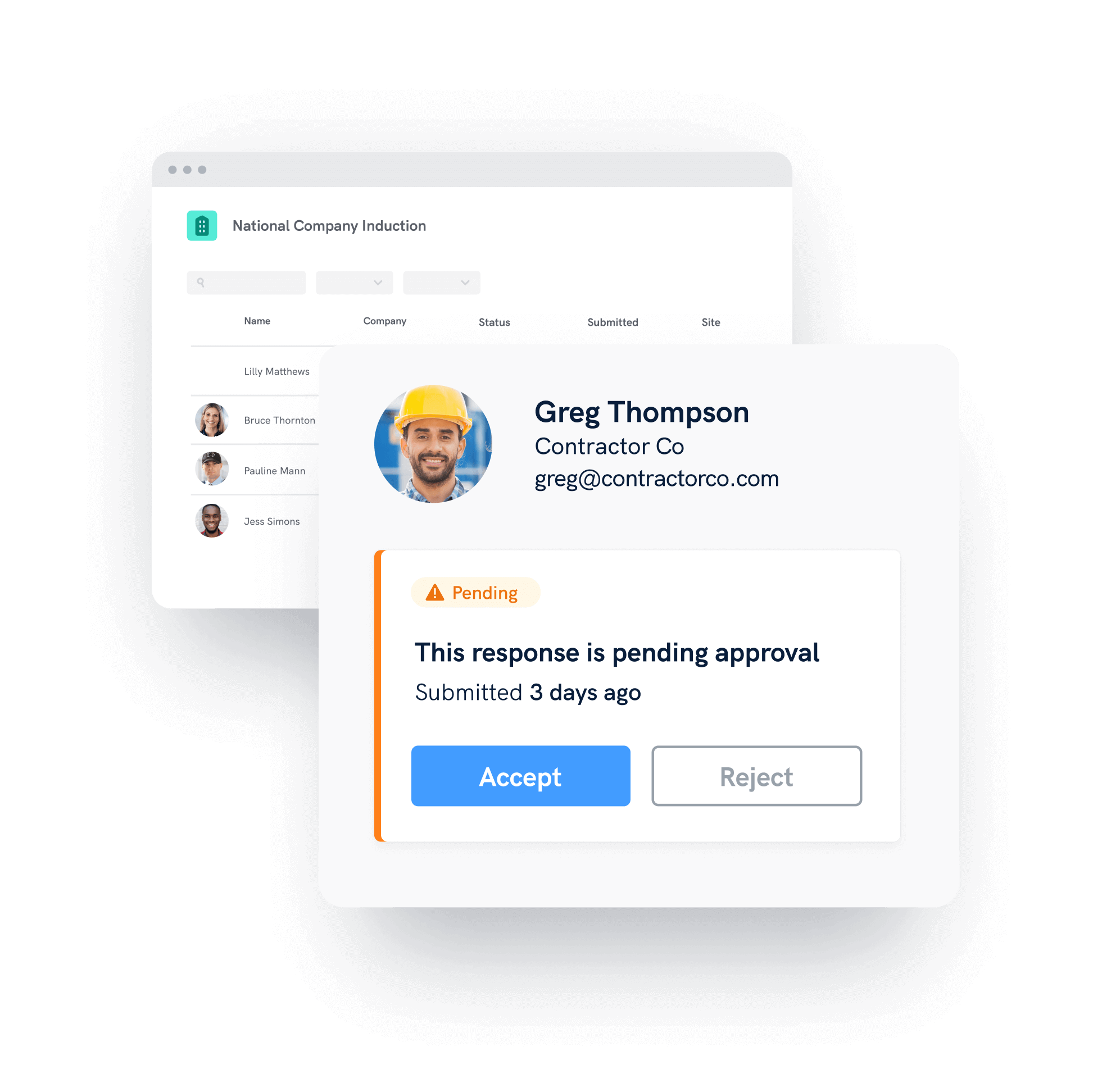
During the check-in process Sine will automatically check to see if you have a valid Pulse induction, and either accept or reject you.
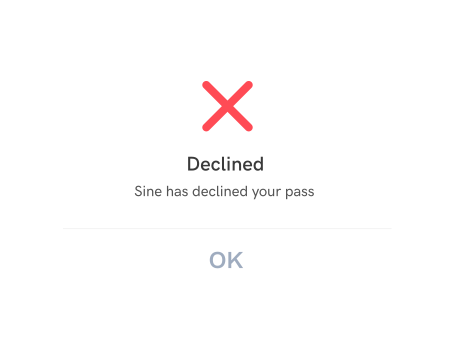
If you are rejected, this means you have not completed a Pulse induction and minimum requirements for Contractor check-in at site.
If you believe you have a valid Pulse induction, please ensure your Sine account has the same email and mobile that you used to complete your Pulse induction.
If you are performing any high risk works on site you need to complete the appropriate work permit(s).
This will be reviewed by the CBRE Facilities Manager and approved if all safety requirements have been met.
You need to wait for approval prior to commencing the high risk work.
Copyright 2025 - A Honeywell Company