

Goodman has implemented this Quick Start guide to help you save time when attending a Goodman property. Prior to arriving on a Goodman property, service providers must complete the induction online and check in via the Sine Pro mobile app upon arrival. The below steps will help you get started straight away. This is a mandatory requirement for working at all Goodman properties.
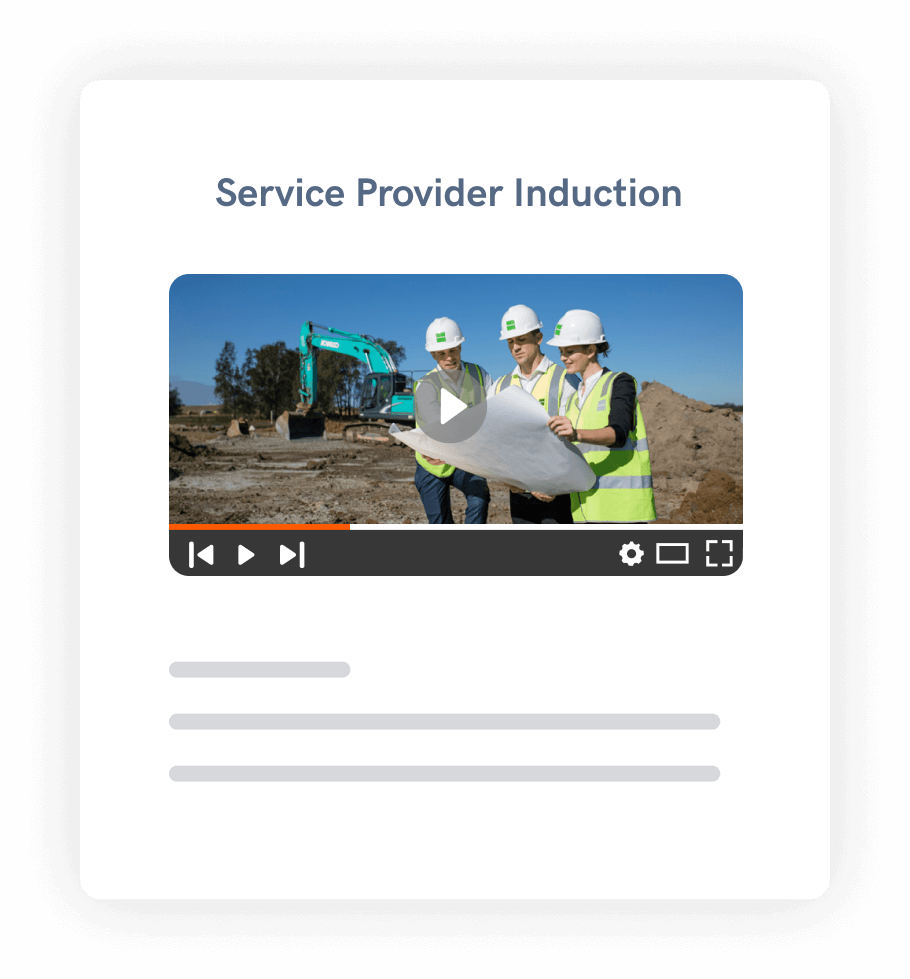
First, each person must create a free Sine account and complete the Service Provider Induction. Watch each module, answer the questions correctly, and submit your response. The induction can be completed online via your desktop, tablet, or mobile. Please ensure you have a stable internet connection and you make note of your Sine username and password as you will need this again in the future.
⏰ Expected completion time: 20 mins
Search for “Sine Pro” via the App Store or Google Play and download it for free. Log in with your account details and you’ll be all set to check in when at site.


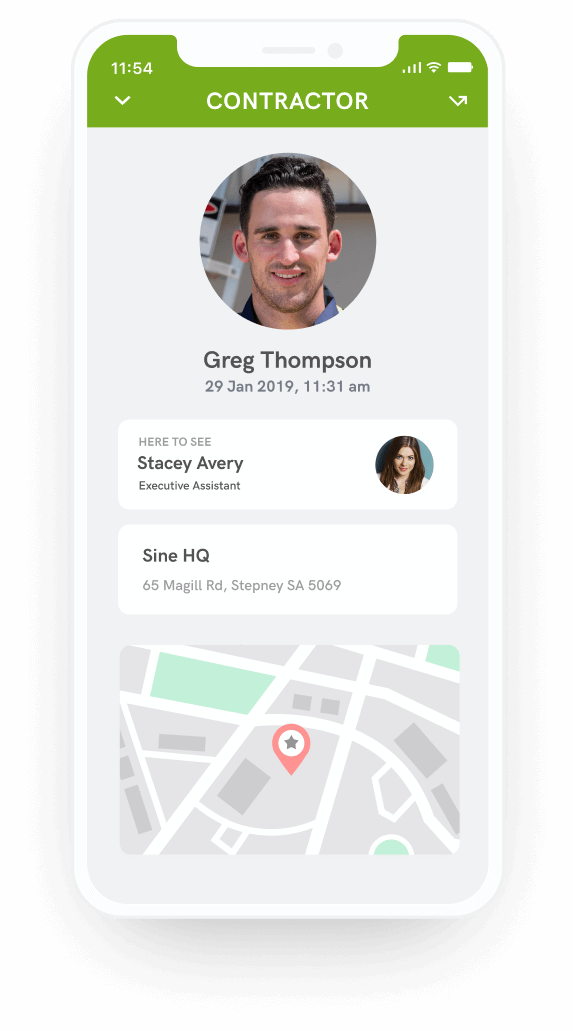
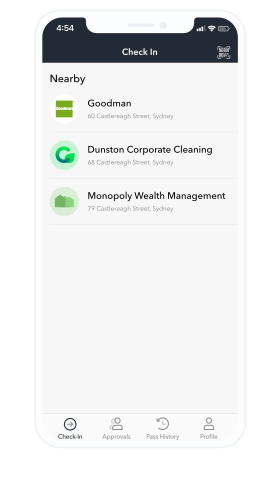
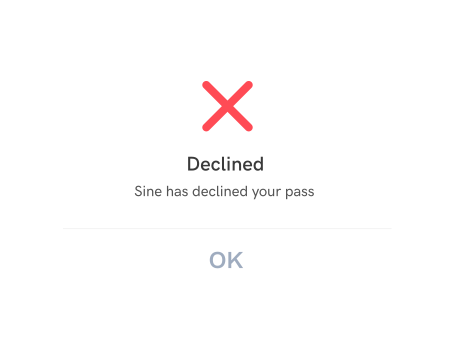
During the check-in process, the Sine Pro app will automatically check to see if you have valid inductions, and either accept or reject you.
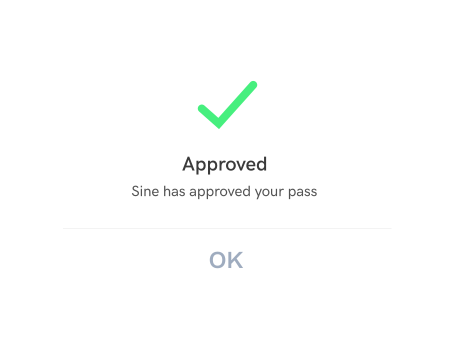
If you are rejected, you will receive an email to complete the induction online, or you can complete this within the Sine Pro app during your check-in. If you believe you have a valid induction, please ensure you are checking in using the same Sine account that you used to complete your induction.
Copyright 2025 - A Honeywell Company