
Workplace experience and visitor management

Sine Pro will be used for Bluetooth badge printing, additional means of access through the parking garage and doors, as well as other points of interest at Charlotte HQ.
The broader Sine solution will also be utilized for visitor management across Charlotte HQ, including for inviting and checking in visitors, and access the building using a QR code.
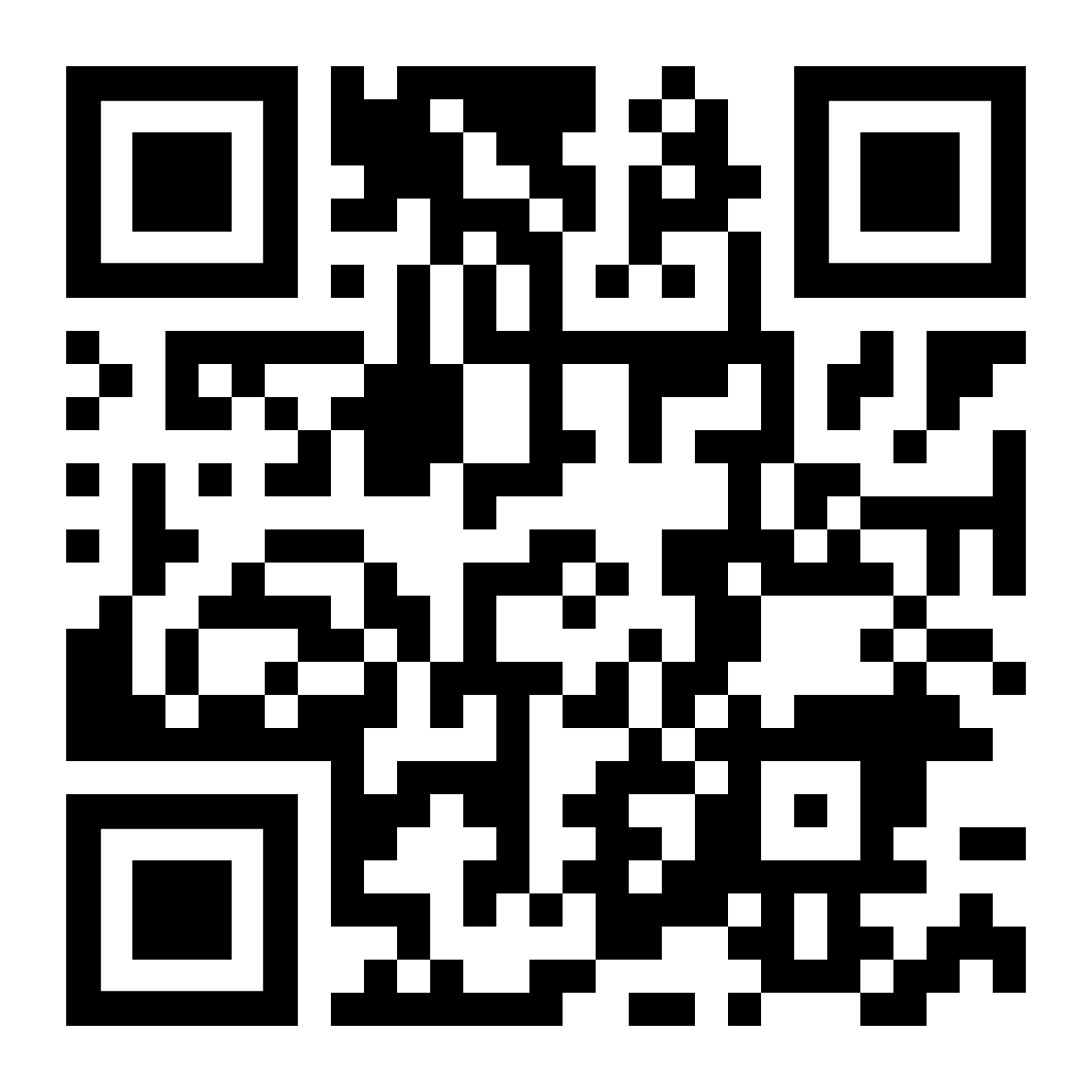
Sine Pro is available on both the Apple App Store and Google Play Store. You can find it by scanning the QR code provided here, or following either of the links below.


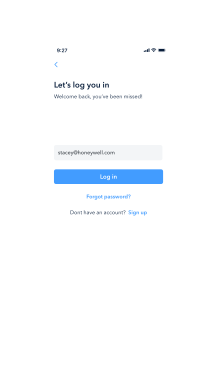
To invite visitors and access the workplace experience features of Sine Pro you will need to be added as a host at Charlotte HQ.
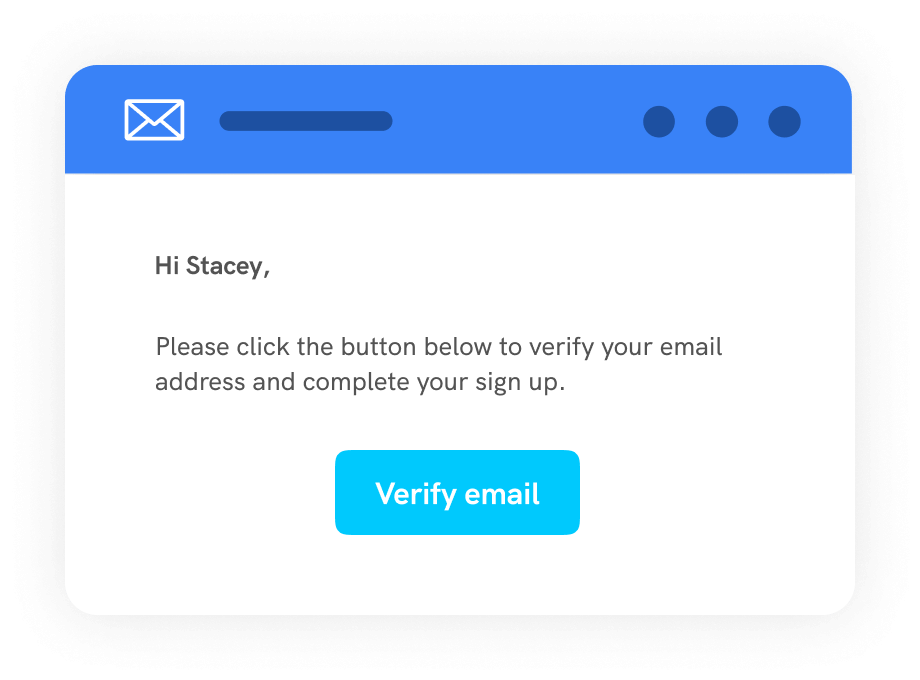
This will be done automatically over the coming weeks as part of the Honeywell Sine rollout at Charlotte HQ. When your host status is granted, you will receive an email prompting you to confirm your host status.
Within the Sine Pro mobile app, select NC01 | Charlotte HQ from Your sites. You will then be able to see the status of your request as it will go from a Pending status, and then appear as Active once approved.
To use the Bluetooth credential, you will need to ensure Location Service and Bluetooth are enabled for the Sine Pro app.
To access Bluetooth credentials, plus more useful features, ensure that you ‘Check in’ to Charlotte HQ each day using Sine Pro.
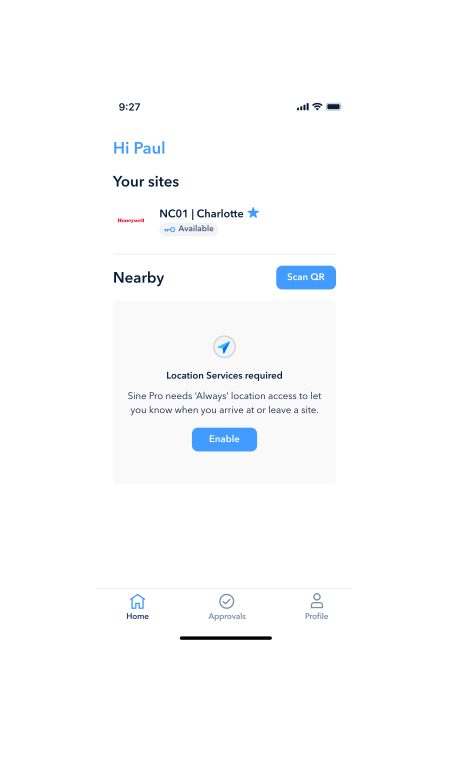
Once in here, you will be able to request your credential by pressing Get Bluetooth key. Ensure that you allow Sine Pro to use Bluetooth on your device.
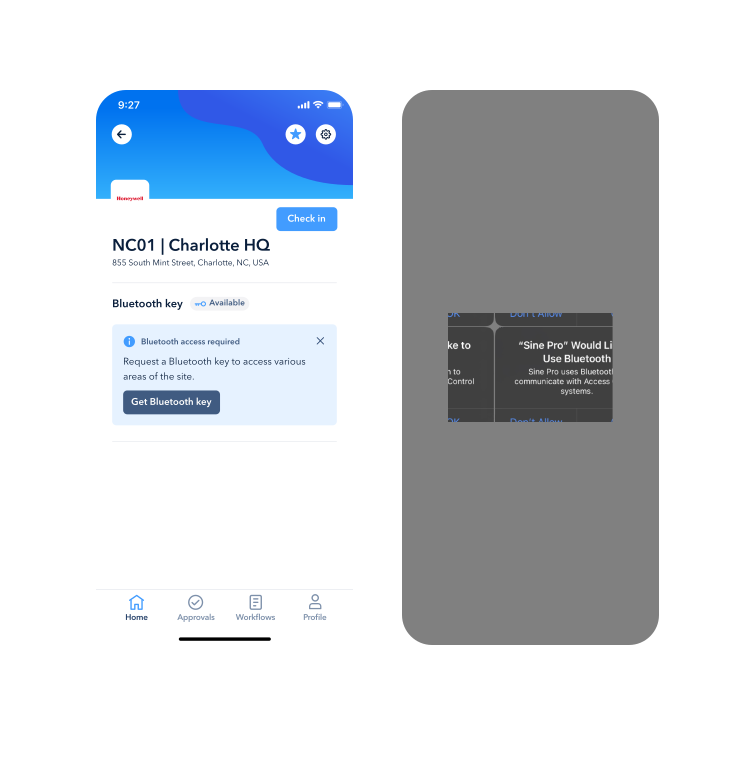
Your Bluetooth Key request will then be sent to the site administrator for approval. This should be approved by admins within 30 mins during working hours (EST). You will see within Sine Pro that your request is in a ‘Pending’ state.
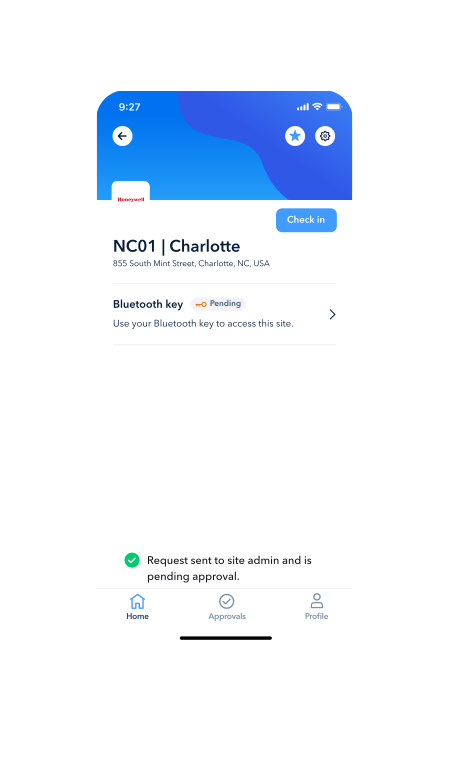
Once your request is approved, you will see the status of your credential in Sine Pro change to ‘Active’.
Then, it is as simple as opening Sine Pro and presenting your device at one of the Idemia readers in Charlotte HQ.
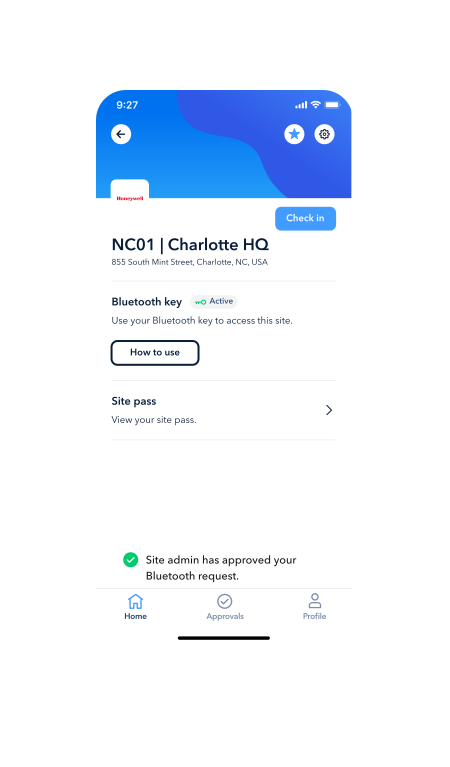
Sine will provide you with an additional access method for the Idemia readers and parking garage at Charlotte HQ. Additionally, you will be able to use your Bluetooth credential when printing.
Plus, with Sine, you can invite visitors to the office—providing them with access to the parking garage and a full digital visitor experience through the new office!
The best part? This is just the first step!
In the coming months, there will be even more great features coming to Sine Pro to enhance your workplace experience. These will include access to site information and important links, as well as quick forms to report issues and provide feedback to the facilities team!

Creating an invite in Outlook, Teams or your calendar?
Simply add [email protected] to your meeting invitees, along with other recipients.
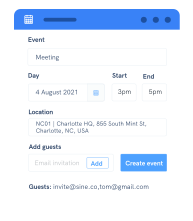
You will receive an email from [email protected] asking you to confirm your meeting. (If you do not receive this email, please check your spam/junk email folder.)
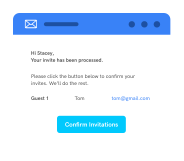
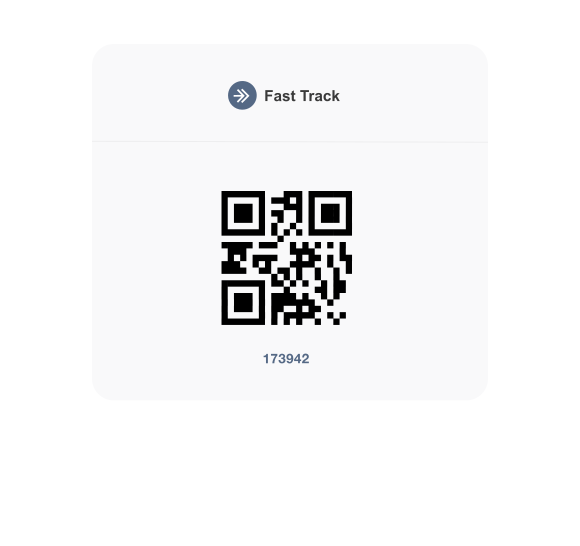
Once confirmed, your guests will receive an email invitation which they can save to their calendar; as well as a unique Fast Track Code to speed up their check-in process upon arrival.
Copyright 2025 - A Honeywell Company