

Downer Spotless has implemented this Quick Start guide to help you save time when attending a NSW Police Force site. Prior to arriving on a NSW Police Force site, all contractors must complete all relevant inductions online, have a valid NSW Police Force Security Vetting and check in via the Sine Pro mobile app upon arrival.
First, each contractor must create a free Sine account. Please note: the email address you use to sign up must be the same as the one used on your NSWPF Security Vetting forms.
To Download the app, search for “Sine Pro” via the App Store or Google Play and download it for free. Finish setting up your account by verifying your email address & mobile phone number and adding a profile picture.


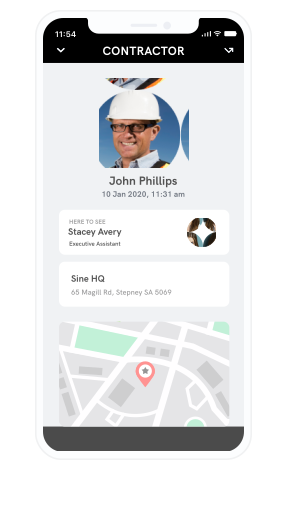
Complete the Downer Zero Harm induction. The induction can be completed via the web, tablet or mobile. Please ensure you have a stable internet connection, and be sure to remember your Sine username and password, as you will use this to log-in to the Sine Pro mobile app.

External Service Provider (ESP) or Baseline security vetting cannot be completed online. Forms and supporting documentation must be submitted to the Downer Security Vetting Officer.
You will be notified of your successful or unsuccessful application via email. Please do NOT attend site until you receive confirmation of your successful NSWPF Security Vetting application.
**Reminder- NSWPF Security Vetting approval must be received prior to attending ste**
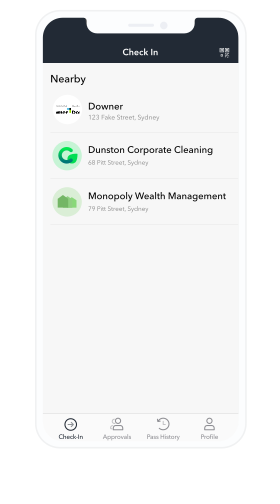
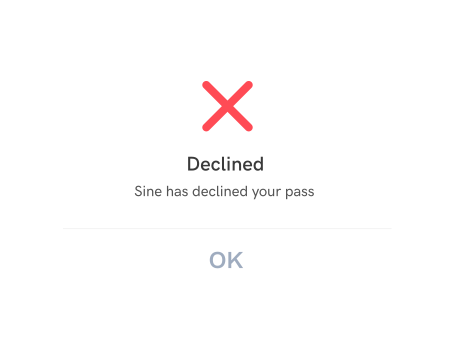
During the check-in process Sine will automatically check to see if you have a valid Downer Zero Harm Induction and approved NSWPF Security Vetting, and either accept or reject you.
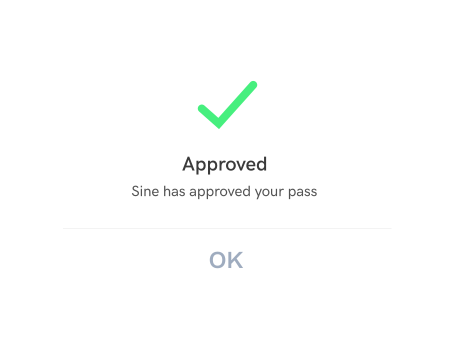
If you are rejected, go to your Workflows responses page to check which credential is missing.
The Downer Zero Harm Induction can be completed online or within the Sine Pro app.
NSWPF Security Vetting approval cannot be completed online, please ensure you have received confirmation of your successful NSWPF Security Vetting application from Downer.
If you believe you have a valid Downer Zero Harm Induction and NSW Police Force Security Vetting, please ensure you are checking in using the same Sine account that you used to complete your induction.
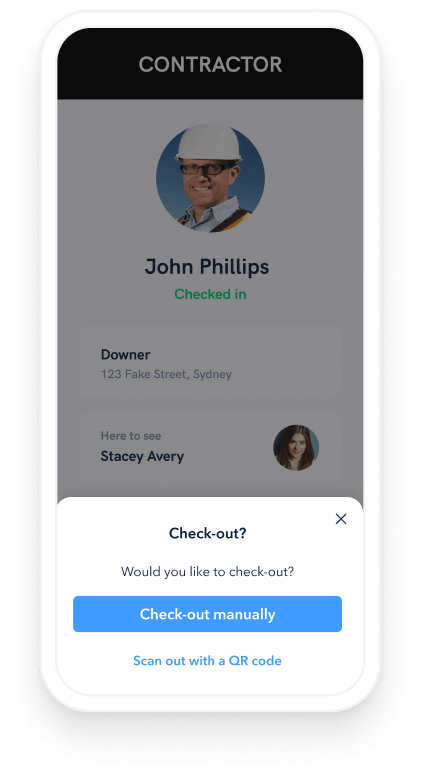
Don’t forget to check-out once you have completed your site visit. All users will be checked out automatically when they leave the site’s geofence.
Copyright 2025 - A Honeywell Company